How to create a supplier feed in YfiFX
In YfiFX, each supplier's price list lives in its own supplier feed. The feed stores how the supplier's data is received and read, so every new price list from that supplier is processed the same way. Creating a feed is the first step before you upload any data.
Steps
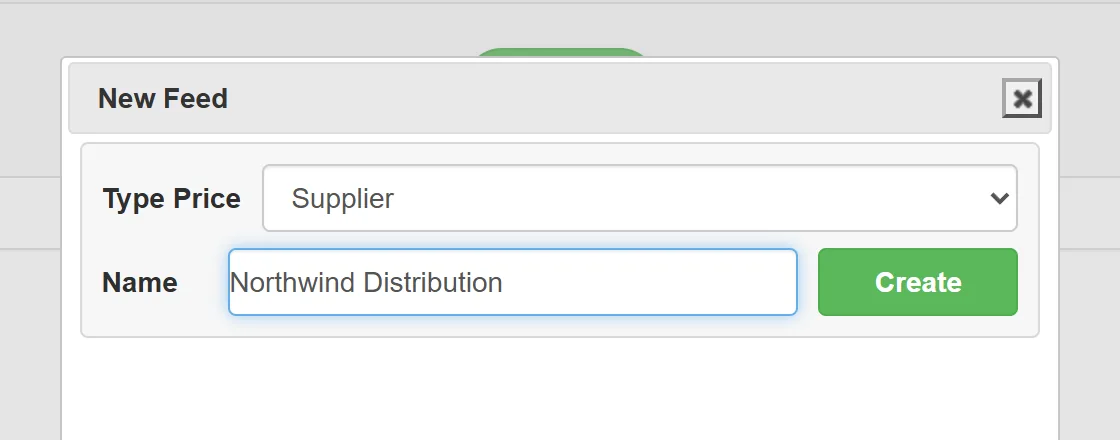
- Open the Add feed tab.
- Select the feed type Supplier.
- Enter a name for the feed. Use the supplier's name so you can find it easily later, for example "Acme Electronics".
- Click Create.
What's next
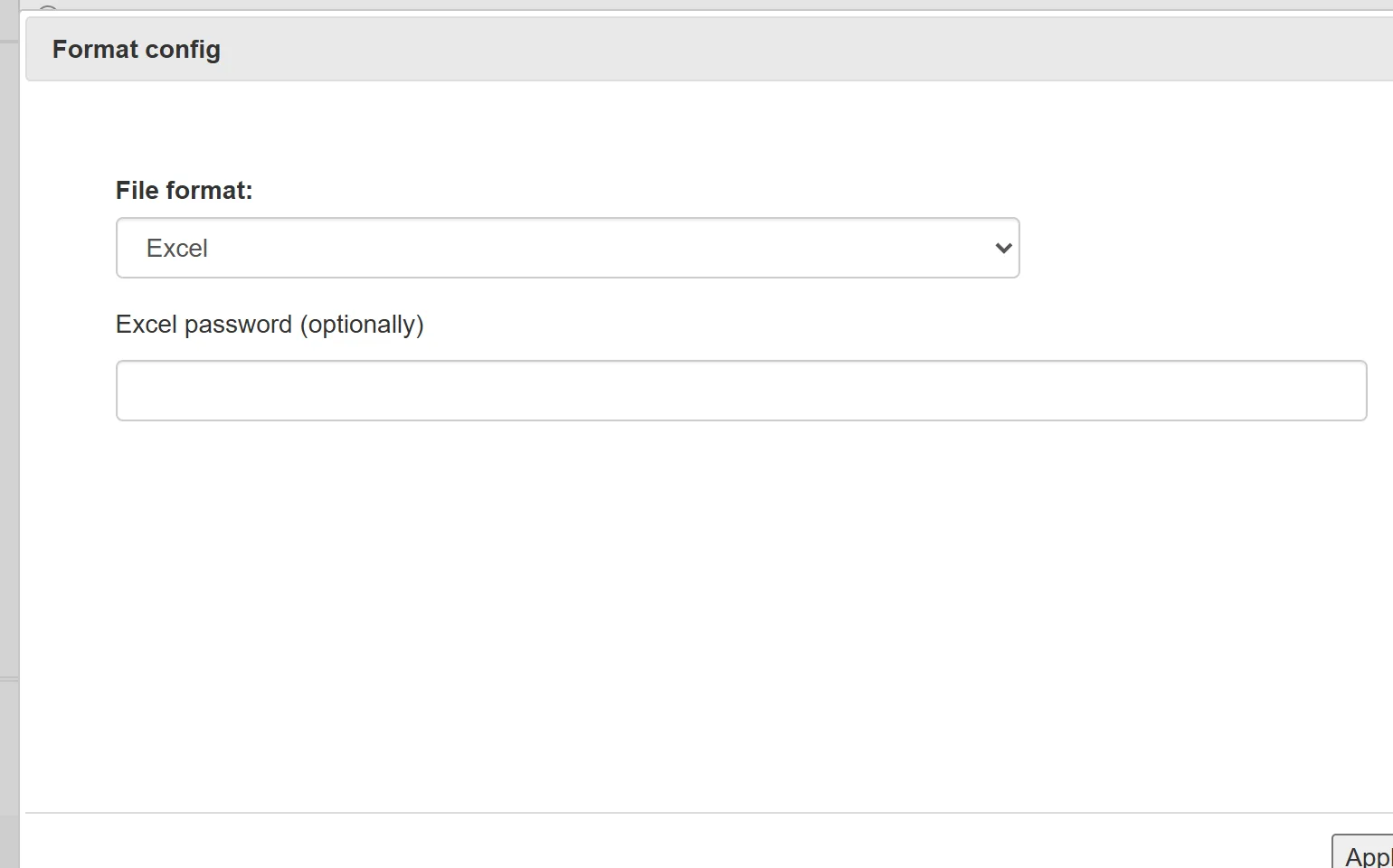
The feed is created empty. Next, load the supplier's price list into it, for example from an Excel file: see How to upload a supplier price list from Excel.
Create a separate feed for each supplier. Products from all supplier feeds are then combined in your Master price list, where markups are applied and the catalog is exported to your store.
Related Articles
Set it up once. YfiFX does the rest
14 Days Free Trial. Sign up and import your first price list today.