Custom field mapping for product attributes
Standard product fields cover the basics: name, price, quantity, description, images. Real products need more. Furniture has dimensions and materials, phone cases have compatible models, wine has a vintage and region. Suppliers send these details in their own columns and under their own names, and your store expects them in a specific place. Field mapping connects the two.
Why attributes deserve attention
Customers narrow a category by size, colour or brand, so a product with missing or inconsistent attributes simply drops out of filtered results. A specification table helps them choose between similar items and cuts the number of questions to support. Many marketplaces reject listings without certain attributes for the category. Attributes also add the specific terms people type into search, such as "oak" or "IP68".
The mapping problem
Three suppliers can describe the same thing in three ways: "Colour", "color_name" and "Farbe", with values like "Black", "black" and "BLK". Mapping has two parts:
- Field mapping: which supplier column goes into which attribute of your catalog.
- Value normalisation: turning different spellings into one consistent value, so the filter shows one "Black" instead of three.
How to set it up
- List the attributes each category needs, starting with the ones used in filters.
- For each supplier, note which columns contain those attributes.
- Agree on units: centimetres or millimetres, grams or kilograms. Convert once, at import.
- Keep supplier-specific extras in separate fields instead of mixing them into the description.
Field mapping in YfiFX
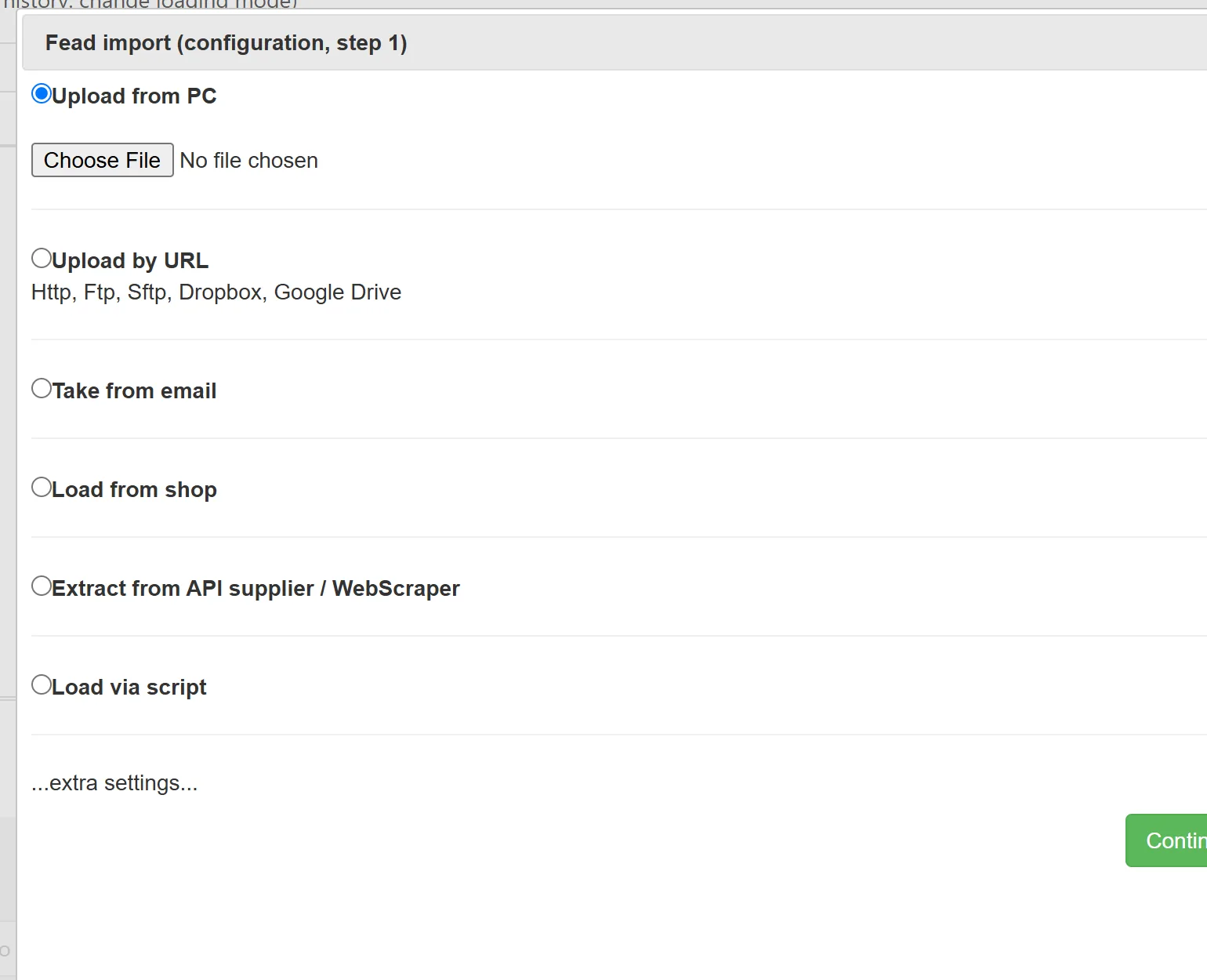
When you add a supplier price list to YfiFX, you map its columns or XML elements to the fields of your Master price list once. The same mapping is used for every following import, so a new file from that supplier is read correctly without manual work. Products from different suppliers are linked to the same catalog items, and the attributes go to your store or feed together with prices and stock.
If a supplier's data is thin, YfiFX can look up missing characteristics and images, and AI can turn the attributes into readable descriptions.
Keep it maintainable
Attribute lists tend to grow without control. Review them once a quarter: merge duplicates, remove attributes that no filter or page uses, and make sure new suppliers are mapped to existing fields rather than creating new ones.
Related Articles
Set it up once. YfiFX does the rest
14 Days Free Trial. Sign up and import your first price list today.