Product data export: strategies for backup and analysis
Export is usually thought of as the last step: sending products to the store. But a regular export of your catalog to files is useful for much more. It gives you a backup you can open in any spreadsheet, a basis for analysis outside your systems, and data you can share with partners, marketplaces and accountants.
Three reasons to export regularly
Backup
A dated copy of the full catalog with prices and stock lets you see what changed and restore data after a mistake.
Analysis
Spreadsheets and BI tools work best with flat files. Exports of prices, costs and margins by category make it easy to answer questions your store admin cannot.
Distribution
Marketplaces, comparison sites, dropshipping partners and wholesale clients all need product data, often in their own format.
Choose the right format
- Excel or CSV for people: analysis, review, sharing with colleagues.
- XML or YML for systems: marketplaces and price comparison sites.
- JSON or API for developers and integrations.
Design exports with a purpose
- Include only the fields the recipient needs. A partner does not need your purchase prices.
- Use stable identifiers so files from different days can be compared.
- Add the export date to the file name.
- Keep one export per purpose rather than one huge file for everything.
Automate it
Manual exports happen when someone remembers. Scheduled exports happen every day. Tie them to your import schedule, so each export contains data that has just been updated.
Exports in YfiFX
Each export is a saved configuration: which feed to take, which format (Excel, CSV, XML, YML, JSON or a platform-specific template), which price and stock fields, and where the file goes. Every export gets a permanent link that always returns the latest file, and it can also be sent by e-mail, to Telegram or to a Google Drive folder.
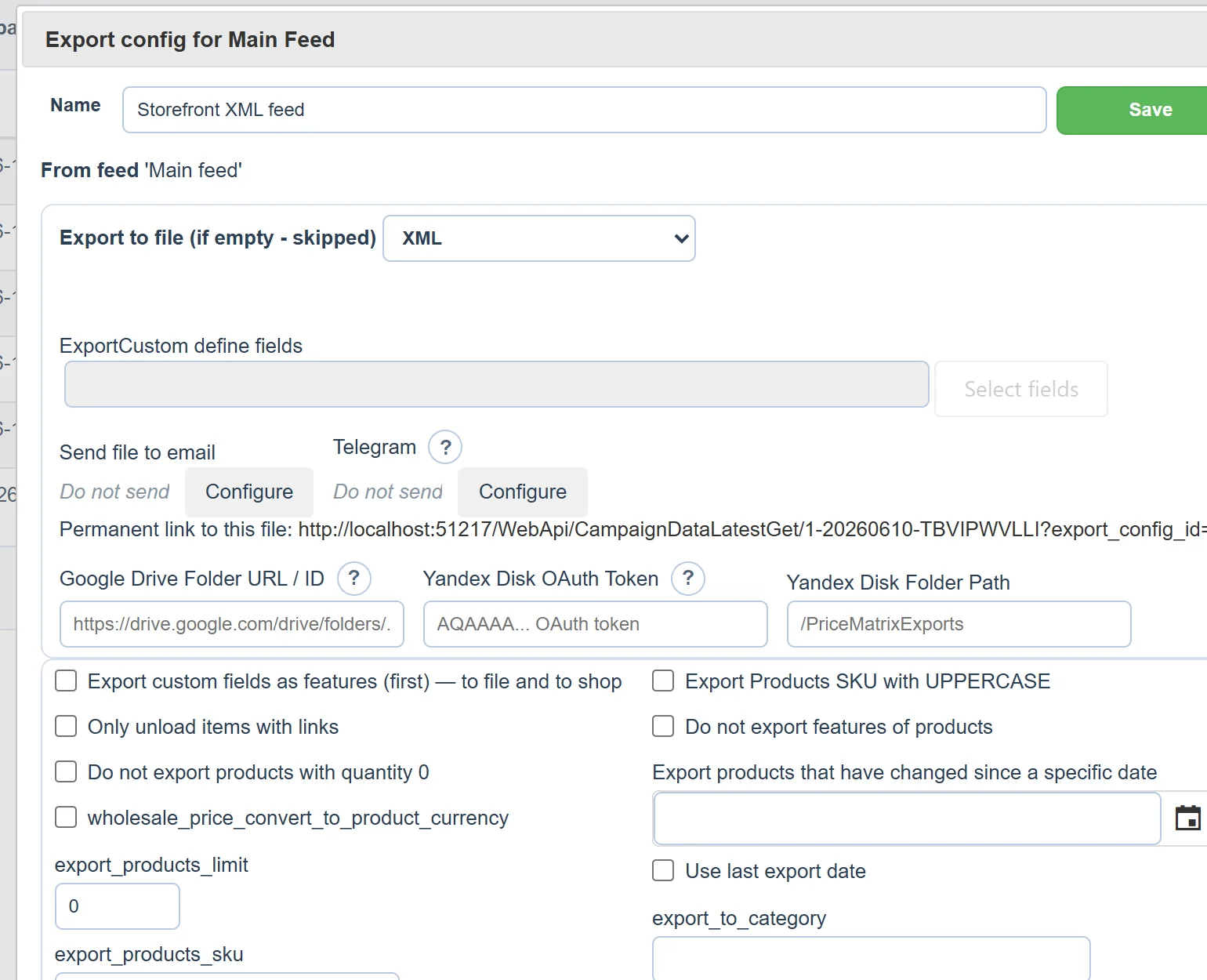
You can keep several exports side by side, for example a marketplace feed, a wholesale price list with its own price type and a file for analysis. They run in the schedule after import and recalculation, so every file reflects current supplier data.
Set it up once. YfiFX does the rest
14 Days Free Trial. Sign up and import your first price list today.