Product data synchronization: best practices
Synchronization means that the same product shows the same price, stock and information everywhere: in your store, on marketplaces, in ad feeds and in the price lists you send to partners. It sounds like a technical detail, but most customer complaints about online stores start with data that was out of sync.
1. Keep one master catalog
All channels should receive data from one place. If prices are edited in the store, stock is corrected on the marketplace and descriptions are fixed in a feed tool, the channels will never agree. Decide where the master catalog lives and send everything from there.
2. Separate data by origin
Some fields come from suppliers and should be overwritten on every import: purchase price, stock. Others are your own work and should never be overwritten: descriptions, enriched attributes, SEO fields. Make this distinction explicit in your setup.
3. Use stable identifiers
Synchronization depends on matching the same product everywhere. Use SKUs or barcodes that do not change, and never reuse an identifier for a different product.
4. Sync on a schedule that fits the data
Prices and stock from suppliers change daily or several times a day. Descriptions change rarely. There is no need to resend everything every hour, but stock and prices should follow the supplier's update rhythm.
5. Handle removals explicitly
A product missing from the latest supplier file should become unavailable, not stay with its last known quantity. Decide what happens to such products on each channel.
6. Validate before publishing
Simple checks catch most problems: no zero prices, no prices that changed by more than a set percentage without review, no products without a category. It is cheaper to stop a bad update than to fix it on every channel afterwards.
7. Monitor the results
Check the import and export logs after each run, at least briefly. Spot-check a few products on each channel every week.
8. Document the setup
Write down where each supplier's data comes from, how it is mapped and when it updates. When something breaks, this saves hours of investigation.
How YfiFX handles synchronization
YfiFX keeps the master catalog between suppliers and sales channels. Supplier products are linked to the Main feed once, and every later import only refreshes prices and stock. Your own names, descriptions and categories are not overwritten.
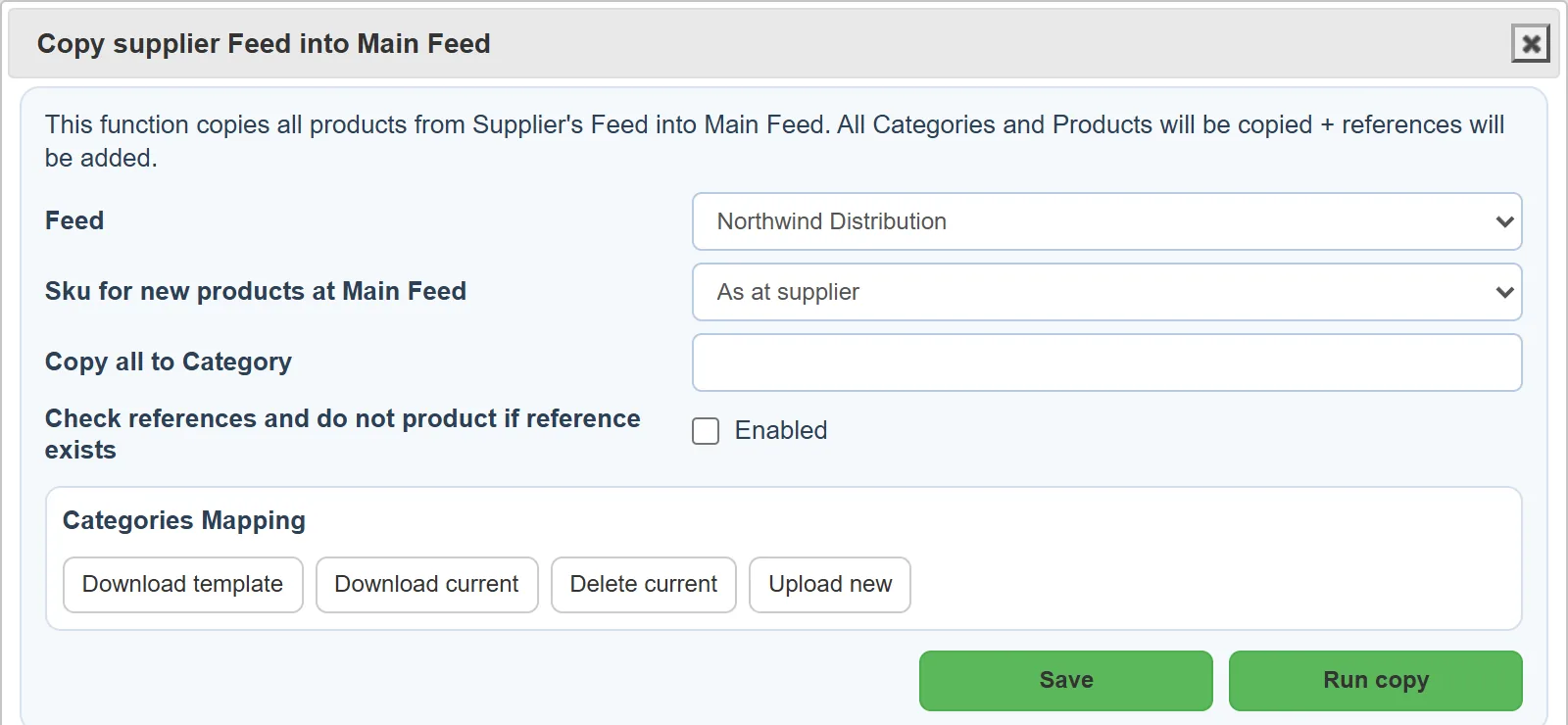
The same Main feed is exported to every channel, whether that is Shopify, WooCommerce, OpenCart, Horoshop, Prom.ua or a feed file, so all of them get the same figures.
Related Articles
Set it up once. YfiFX does the rest
14 Days Free Trial. Sign up and import your first price list today.