Automated product import for online stores
Whatever platform your store runs on, Shopify, WooCommerce, OpenCart, PrestaShop or something else, the problem with supplier data is the same. Products arrive in different files and formats, prices change without notice, and someone has to bring all of it into the store. Platform import tools can load a file once. They are not built to keep several suppliers in sync day after day.
Why the built-in importer is not enough
Most store platforms can import a CSV file in their own template. That helps for the first upload, but ongoing work needs more:
- Supplier files are not in your platform's template, so each one needs converting first.
- The same product comes from several suppliers with different codes.
- Prices need markups, rounding and currency conversion before they are published.
- The process has to repeat every day without anyone starting it.
Doing this in spreadsheets works for a while, then breaks the first time a supplier changes a column.
What an automated import should do
- Collect price lists from links, e-mail, FTP, cloud folders or APIs.
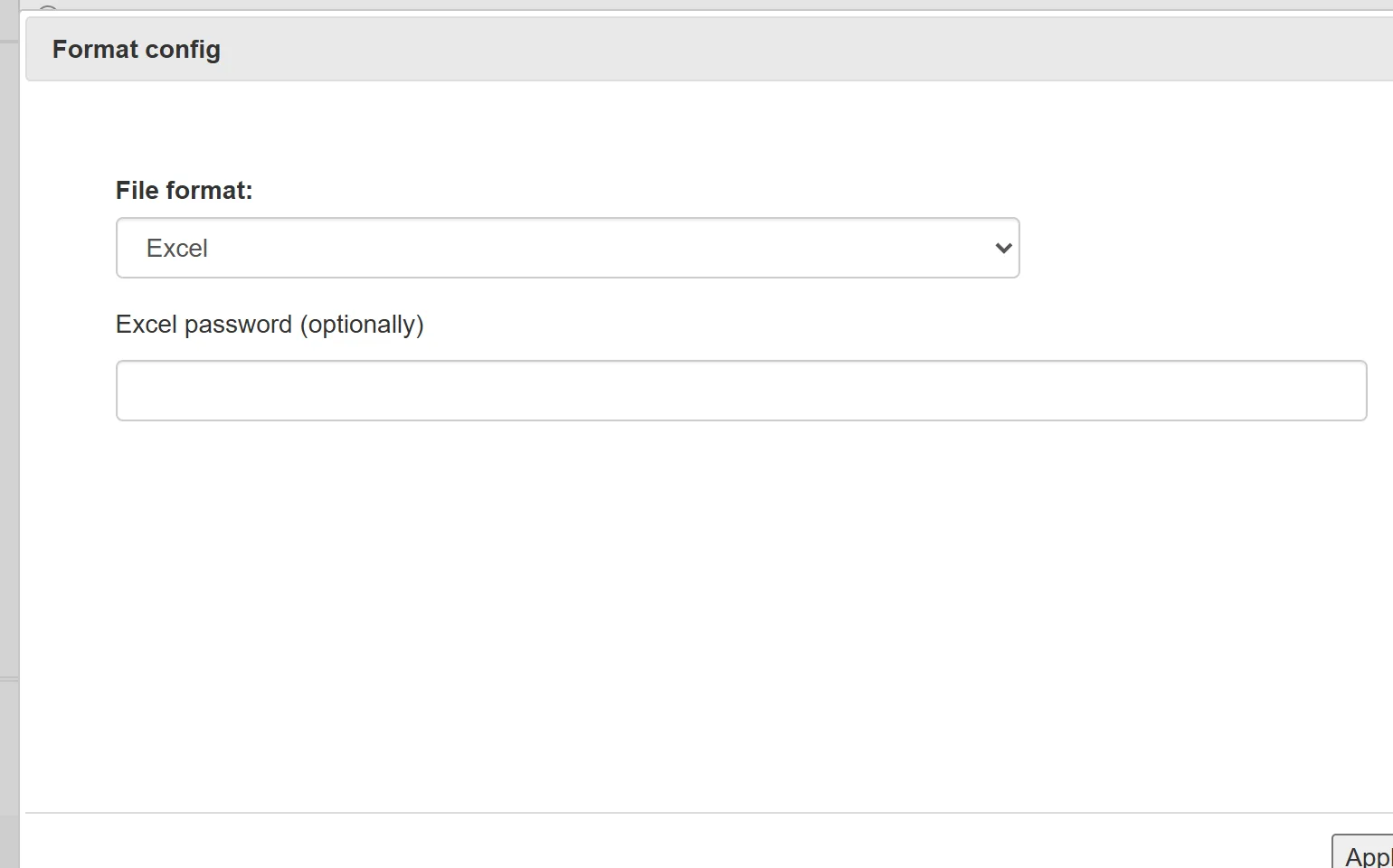
- Read any format and map supplier columns to your product fields once.
- Link products across suppliers so one item in the store has one price and one stock figure.
- Apply pricing rules: markups by category, brand or price range, currency rates, supplier priority.
- Export to the store or a feed, with only the fields that changed if needed.
- Run on a schedule, with a log you can check when something looks wrong.
How YfiFX fits in
YfiFX sits between your suppliers and your sales channels. It collects and processes price lists from any source, keeps a Master price list with your final prices and stock, and exports it to the store or marketplace. The same setup can feed several channels at once, for example your website, Prom.ua and an XML feed, each with its own price type.
Supported platforms include Shopify, WooCommerce, OpenCart, PrestaShop, CS-Cart, Shop-Script and Horoshop. If your platform is not on the list, the connection can be made through an API, a product feed or directly to the store's database.
Before you automate
- Agree with each supplier on a stable way to receive the price list.
- Decide which field identifies a product: SKU, barcode or the supplier's code.
- Write down your pricing rules, including minimum margins and rounding.
- Choose update times that suit your suppliers' schedules, for example early morning after they publish new prices.
With those decisions made, the setup itself usually takes from half an hour for one simple supplier to a few days for a large catalog with many sources. After that, updates take care of themselves.
Related Articles
Set it up once. YfiFX does the rest
14 Days Free Trial. Sign up and import your first price list today.