Competitor price monitoring: how to track, compare and respond
Customers compare prices in seconds. If the same product is cheaper two clicks away, most of them buy it there. That does not mean you always have to be the cheapest, but you do need to know where you stand, product by product, and have a clear idea of what to do when the picture changes.
Step 1. Choose who you compare with
Not every store selling the same item is a real competitor. Start with a short list: stores your customers actually mention or come from, the marketplaces where your products are listed, and direct competitors with a similar range and delivery terms. Five well-chosen competitors tell you more than fifty random ones.
Weight them differently, too. A large marketplace seller influences your customers far more than a small local shop, and some stores are better ignored altogether, for example those that regularly list items they do not have.
Step 2. Compare like with like
Match products by barcode, manufacturer part number or a checked URL, never by name alone. Then account for what changes the real price for the customer:
- delivery cost and time, especially for heavy goods;
- pack sizes and bundles: compare price per unit or leave the listing out;
- availability: a low price on an out-of-stock item is not competition;
- warranty and condition.
Step 3. Summarise the market
With more than two or three competitors, single prices become noise. Useful summaries per product:
- Lowest price among competitors that have the item in stock.
- Median price, which one store with an unusual offer cannot distort.
- Your position: cheapest, middle or most expensive.
- Price index: your price divided by the median. Averaged by category it shows at a glance where you are out of line.
- Number of competitors in stock, a good proxy for price pressure.
Step 4. Decide how to respond
Sort products by how much price decides the sale. Popular branded items that customers compare are price-sensitive; accessories and niche items mostly are not. Then pick a response per group:
- Match: equal to the lowest relevant competitor, never below your floor.
- Stay within a band: for example no more than 5% above the lowest price, which avoids reacting to every small movement.
- Hold and add value: keep the price and make the offer stronger with faster delivery, a better warranty or an accessory.
- Ignore: for margin products a competitor's change rarely justifies a reaction.
Rules that prevent expensive mistakes
- Never go below cost plus your minimum margin, whatever a competitor does.
- Ignore competitors who are out of stock.
- Do not follow a sudden large drop immediately. It may be an error or a one-day promotion; look at the price over a few days.
- Limit how often a price can change, for example once a day.
- Change the markup rule for a category, not individual prices, so the decision survives the next supplier update.
From spreadsheet to monitoring
Checking competitors by hand works for a few dozen products. Beyond that the data is stale before you finish collecting it. Automated monitoring collects prices on a schedule and keeps the history, so you see trends instead of snapshots and can tell a lasting change from a weekend promotion.
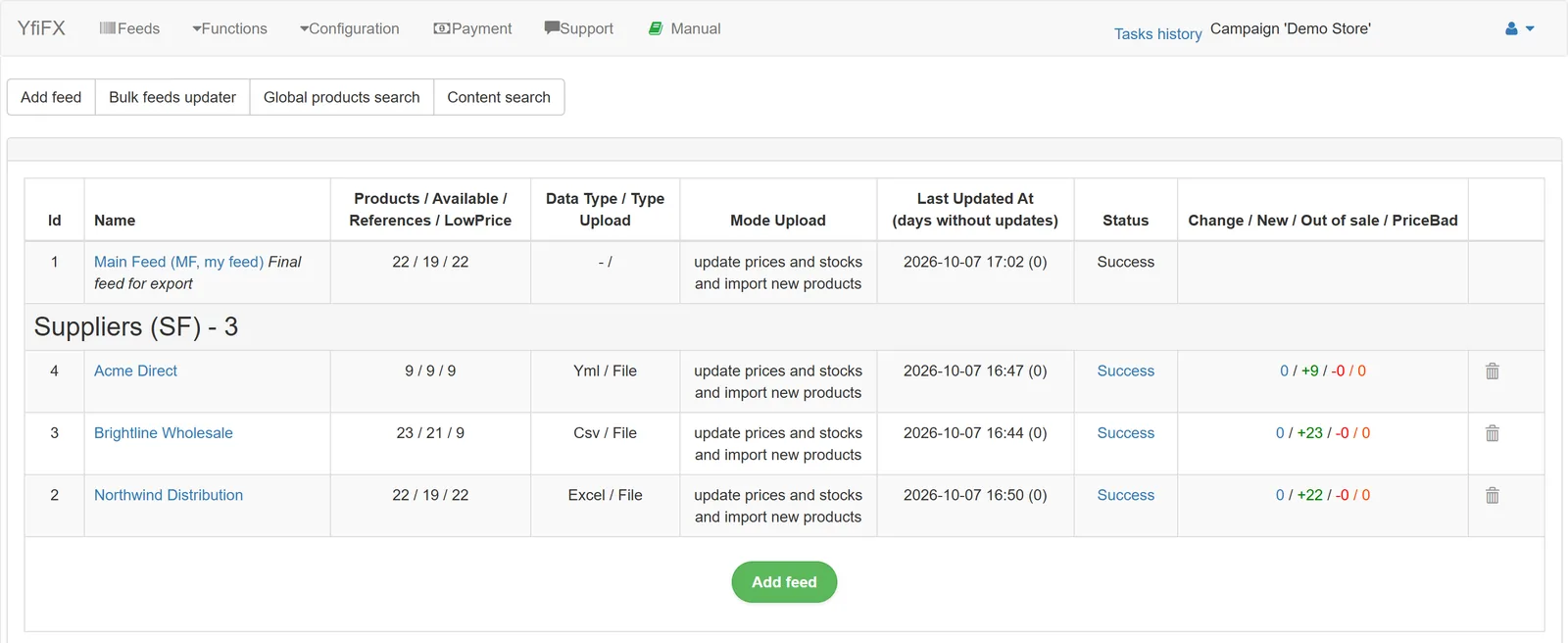
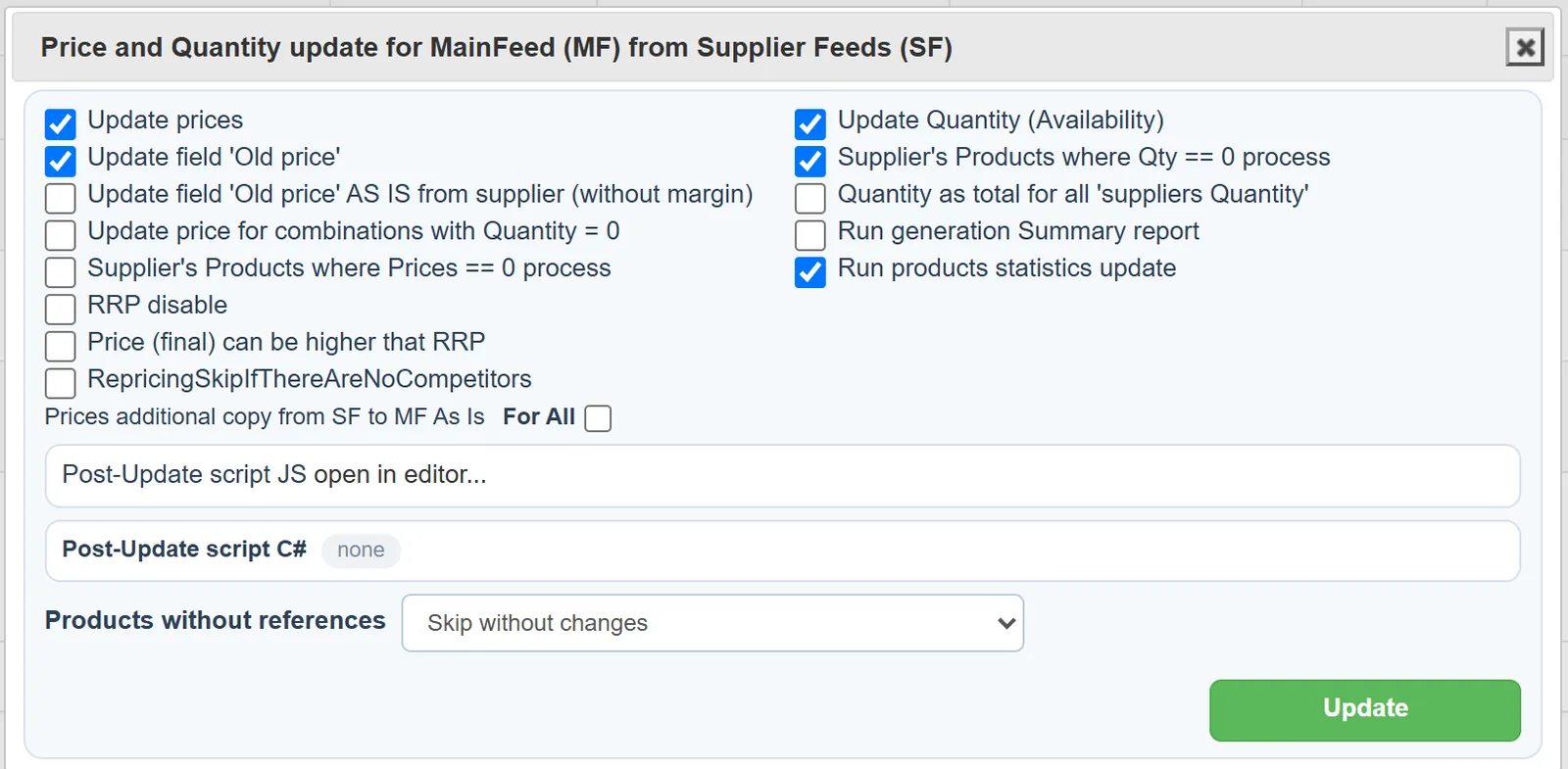
In YfiFX competitor monitoring sits in the same system that processes your supplier price lists. Competitor prices appear next to your purchase prices and markup rules, so repricing takes both the market and your margin into account, within the limits set by your rules and dumping protection. Price changes and new or missing products are shown on charts over time.
A monthly routine
- Review the categories with the largest gap between your price index and the market.
- For each, decide: adjust the rule, accept the gap, or improve the offer another way.
- Two to four weeks later, check what happened to sales and margin in those categories.
Related Articles
Set it up once. YfiFX does the rest
14 Days Free Trial. Sign up and import your first price list today.