Importing products from XML feeds
XML is one of the most common ways suppliers publish their catalogs. A permanent link to an XML file gives you the full product list with prices, stock, images and attributes, updated on the supplier's side. The format is reliable, but every supplier structures it differently, and store platforms usually cannot read an arbitrary XML file directly.
What a supplier XML feed contains
A typical feed is a list of product elements, each with nested fields:
<offer id="10452" available="true">
  <name>Wireless headphones X5</name>
  <vendor>Acme</vendor>
  <price>62.00</price>
  <currencyId>EUR</currencyId>
  <categoryId>17</categoryId>
  <picture>https://supplier.example/img/10452.jpg</picture>
  <param name="Color">Black</param>
</offer>
YML, a widely used variant of XML for product catalogs, follows this structure closely. Other suppliers invent their own: different element names, attributes instead of elements, categories in a separate block, stock as a number or as a text status.
Common difficulties
Most problems come from structure. Variants sit inside products, prices sit inside a list of price types, and categories are referenced by ID. Attributes are often stored as repeated param elements with a name, and each of them has to be mapped separately.
Size and quality are the other issue. Feeds of tens or hundreds of megabytes are slow to download and process, and a single invalid character can break the whole file. With several suppliers, every feed has its own structure, and the same product can turn up in more than one of them.
Turning XML into store products
- Connect the feed by its URL so the latest version is downloaded on each run.
- Map the elements to your product fields: identifier, name, price, currency, stock, category, images, parameters.
- Map categories from the supplier's tree to your own.
- Link products to your catalog by ID, SKU or barcode, and merge duplicates from different feeds.
- Calculate prices with your markups and currency rates.
- Export the result to your store, marketplace or a new combined feed.
XML import with YfiFX
An XML or YML feed is added like any other supplier, usually by link so it can be downloaded on schedule. On the format step you choose the feed type and, if the supplier needs it, a SKU prefix and the separator for image links.
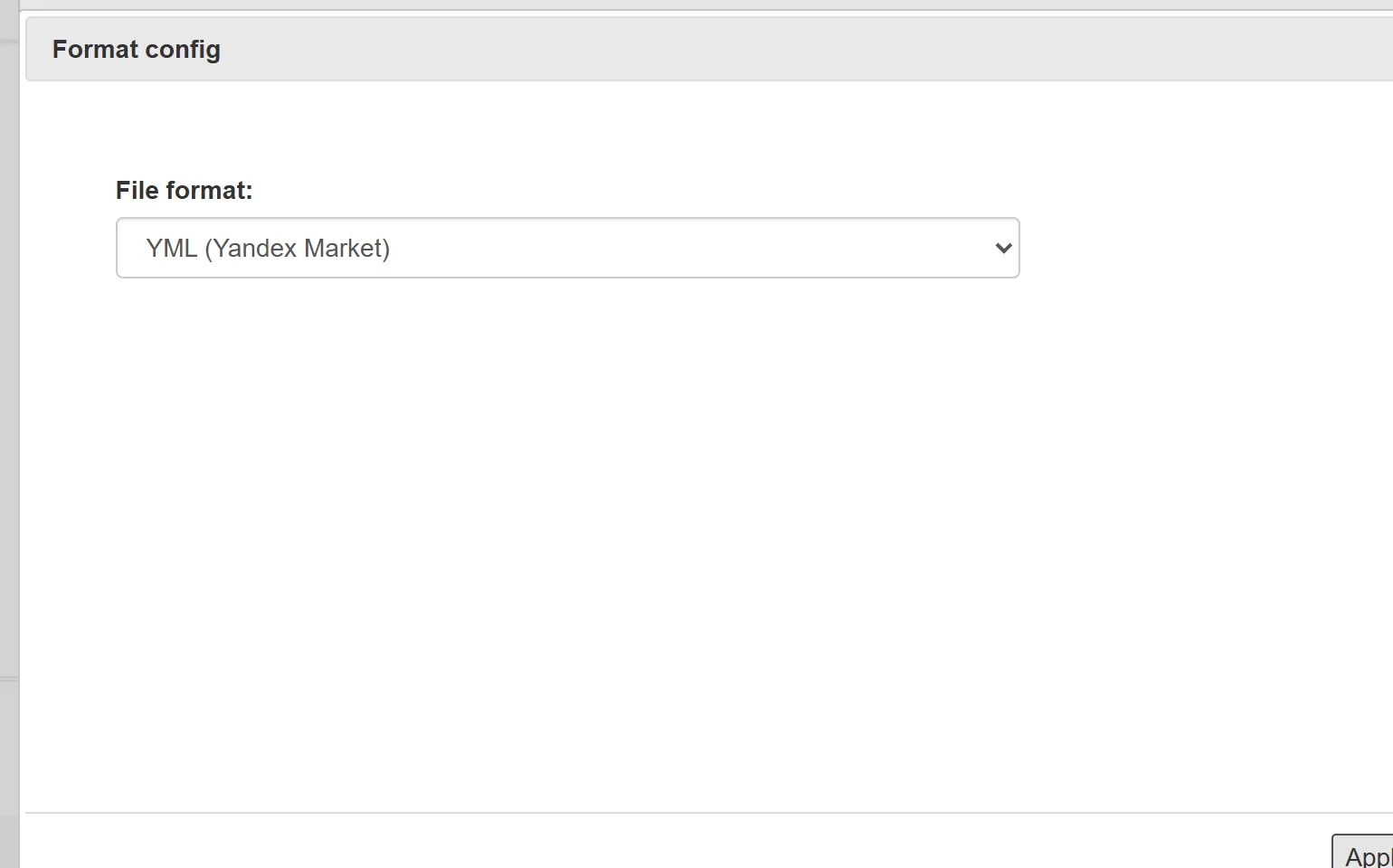
Nested elements and parameters are mapped once, feeds from different suppliers end up in one Main feed with your prices, and the result can go to Shopify, WooCommerce, OpenCart, PrestaShop, Horoshop, Prom.ua or out again as your own XML or YML feed.
Frequently Asked Questions
Can I import XML feeds from several suppliers?
Yes. Each feed is added as a separate supplier source, and the products are combined in one catalog, with duplicates matched by SKU or other fields.
Are XML imports updated automatically?
Yes. The feed is downloaded by its link on the schedule you set, and prices and stock are recalculated and exported in the same run.
What if the XML structure is unusual?
Fields are mapped manually for each supplier, including nested elements and parameters, so non-standard structures can be handled as well.
Set it up once. YfiFX does the rest
14 Days Free Trial. Sign up and import your first price list today.