Automating product archiving and removal
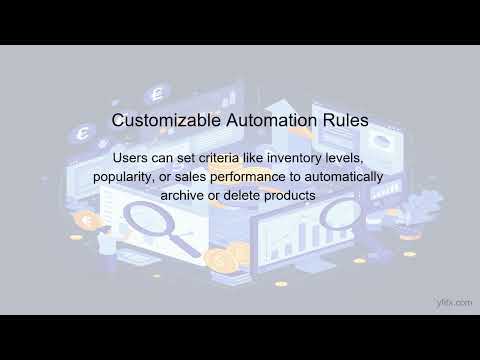
Every catalog collects dead weight over time. Suppliers discontinue products, seasonal items stop selling, and some listings stay online long after the last unit was sold. Customers find these pages, try to order, and get disappointed. Cleaning them up by hand works for a few dozen products. It does not work for a catalog fed by several suppliers.
Archive or delete?
The two are not the same, and the choice affects both customers and search traffic.
- Hide or mark out of stock when the product may come back: seasonal goods, temporary supplier shortages. The page keeps its search history and can be reactivated in one step.
- Archive when the product is gone for good but still has value as a reference, for example for returns or reorders.
- Delete only when the item has no traffic and no history worth keeping. If the page had visitors, redirect it to the closest category or a replacement product.
Signals that a product should leave the catalog
- The product has disappeared from every supplier's price list.
- Stock has been zero across all suppliers and warehouses for a set period.
- The supplier price has risen so much that the product can no longer be sold with an acceptable margin.
- The item has not sold for months and occupies space in the catalog and in feeds.
Set rules, then review exceptions
Automation should cover the routine cases, while people look at the exceptions. A sensible setup is:
- Out-of-stock items are hidden or marked as unavailable automatically.
- Items missing from all suppliers for a longer period go to a review list.
- Someone decides once a month which of them to archive, redirect or delete.
This keeps the catalog accurate without losing pages that still bring traffic.
Related Articles
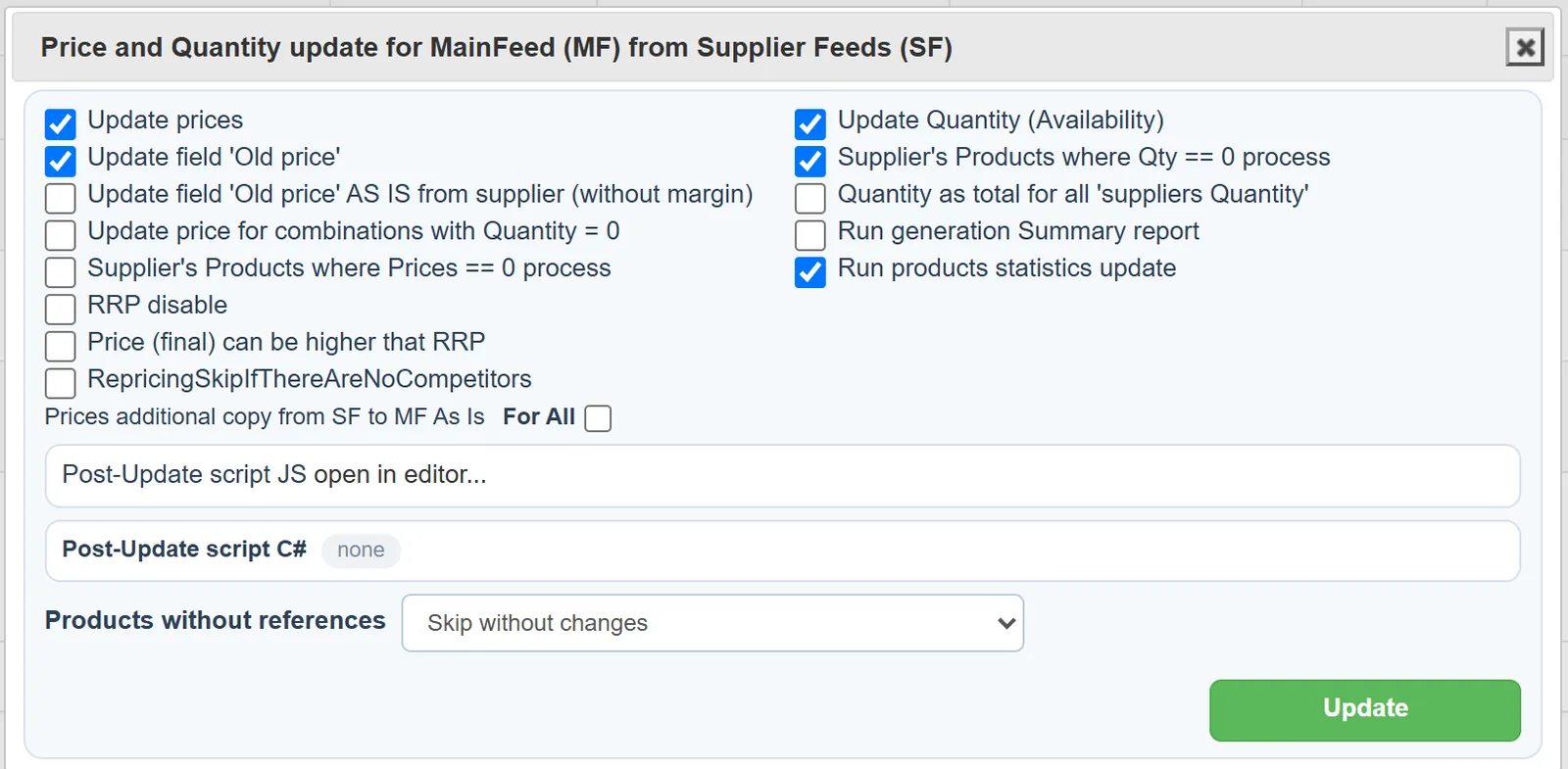
Set it up once. YfiFX does the rest
14 Days Free Trial. Sign up and import your first price list today.