Working with many suppliers and many data formats
The first supplier is easy. You learn their file, set up a routine and move on. By the fifth supplier, you have five file formats, five delivery methods, five update times and five ways of writing the same product name. Without a system, most of the week goes into bringing these files into shape.
What differs between suppliers
- Format: Excel, CSV, XML, YML, JSON, an API, sometimes only a website.
- Delivery: a link, an e-mail attachment, an FTP folder, a shared cloud folder.
- Structure: different columns, different category trees, prices with or without VAT.
- Identifiers: the supplier's own codes, manufacturer part numbers, barcodes.
- Stock: exact quantities, ranges or text statuses.
- Currency and terms: purchase prices in different currencies, recommended retail prices or none.
Bring everything to one structure
The goal is a single catalog where each product appears once, with a clear list of which suppliers offer it, at what cost and with what stock. To get there:
- Describe each supplier once: how the file arrives, where each field is, which currency is used.
- Use a common set of fields for all suppliers, so "Preis", "Price" and "unit_cost" all land in the same place.
- Link products across suppliers by barcode or part number, and manually where codes do not match.
- Set supplier priority: which supplier is used first when several have the item, and when to switch to the next one.
Choose a working rhythm
Suppliers update their data at different times. Group them by update time and run imports shortly after they publish. A morning run after the main suppliers update and an afternoon run for the rest covers most situations.
Keep suppliers accountable
Data quality differs a lot between suppliers. Track simple indicators: how often the file is late or broken, how many products lack images or attributes, how often stock turns out to be wrong. These numbers help in conversations with suppliers and in deciding which ones to prioritise.
An example with three suppliers
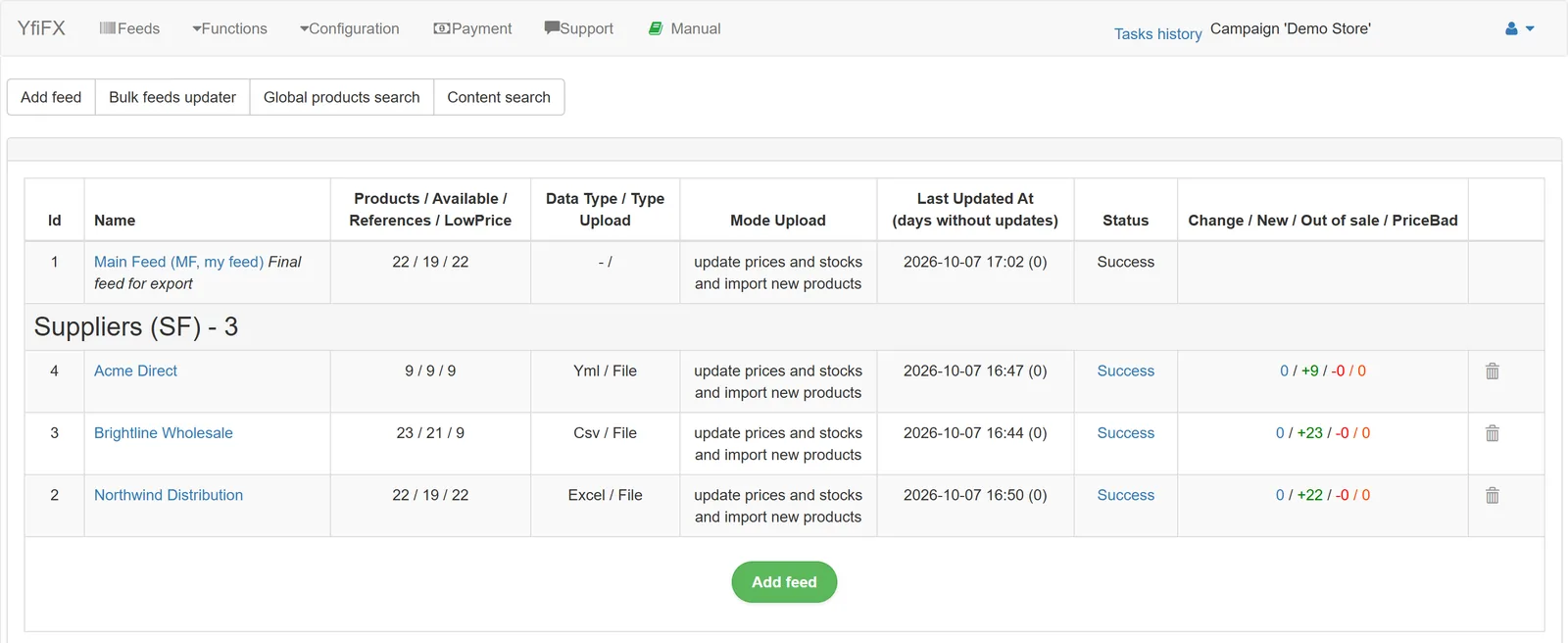
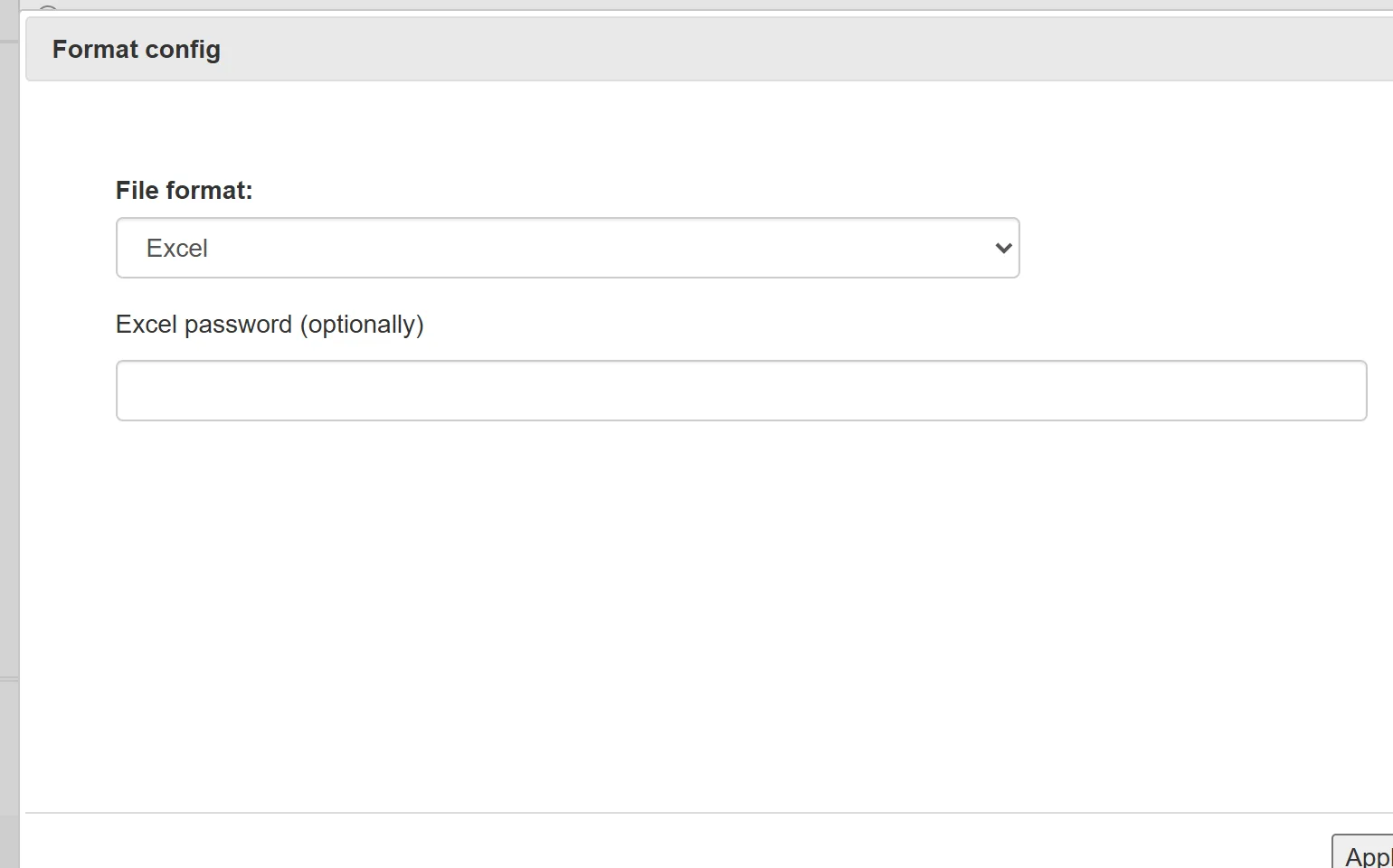
In our demo store, three suppliers deliver data in three formats: Excel, CSV and a YML feed. Each one becomes its own supplier feed with its own mapping and currency, and they all sit in one list with the product count and the number of products already linked to the store catalog.
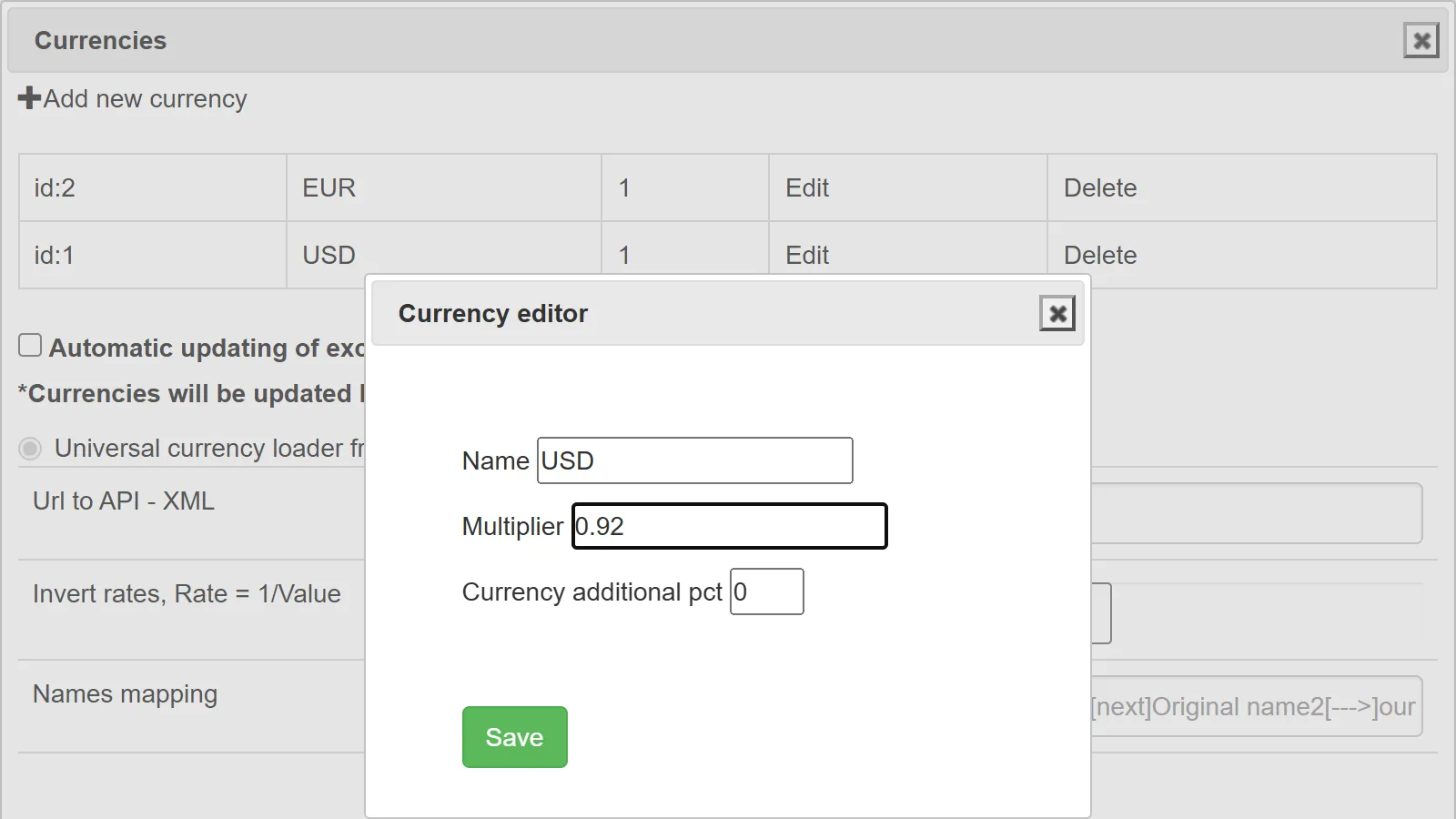
Acme prices in US dollars, so the exchange rate is set once at the account level, and every import converts their prices before markups are applied.
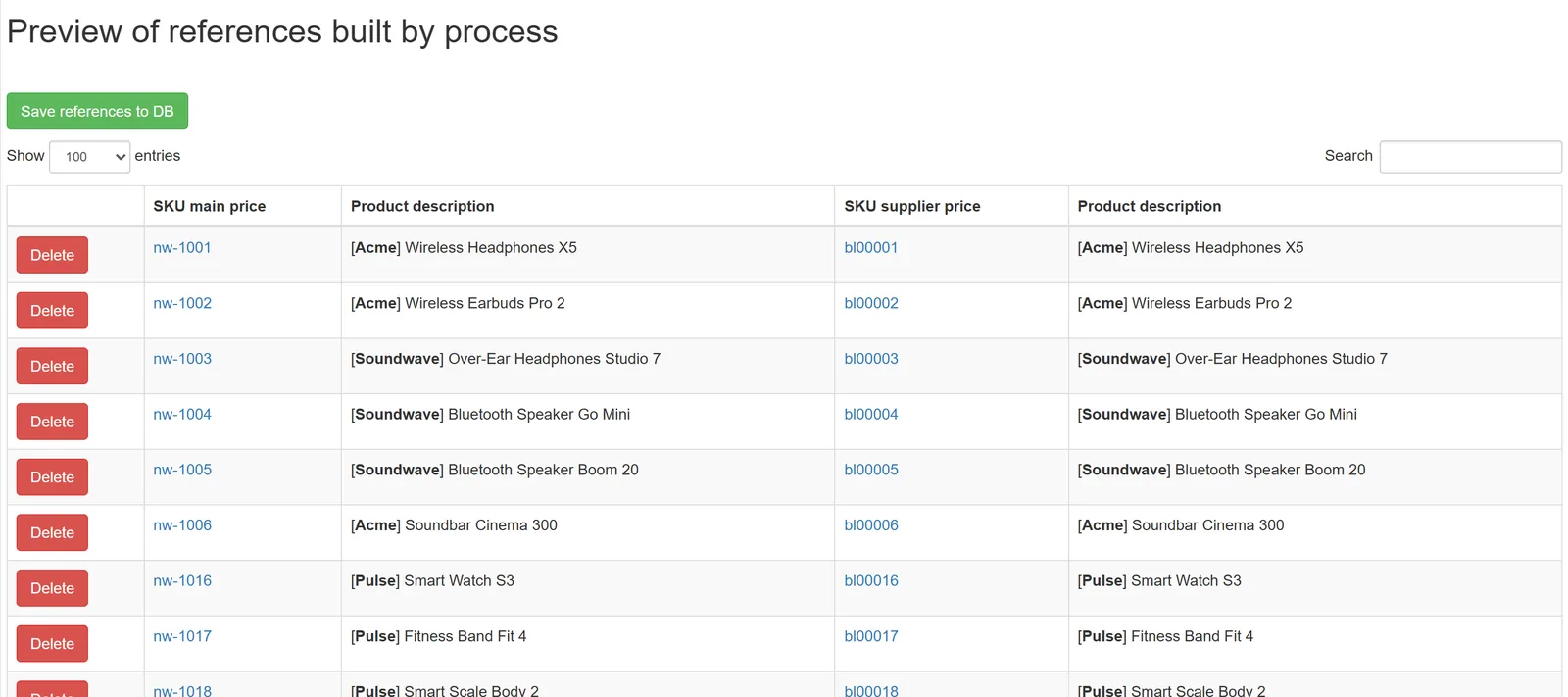
The work that takes the longest by hand is linking. Two suppliers selling the same blender under different codes have to end up as one product with one price. Links are built by SKU, barcode or name, and before they are saved you see which supplier product will be attached to which item in your catalog.
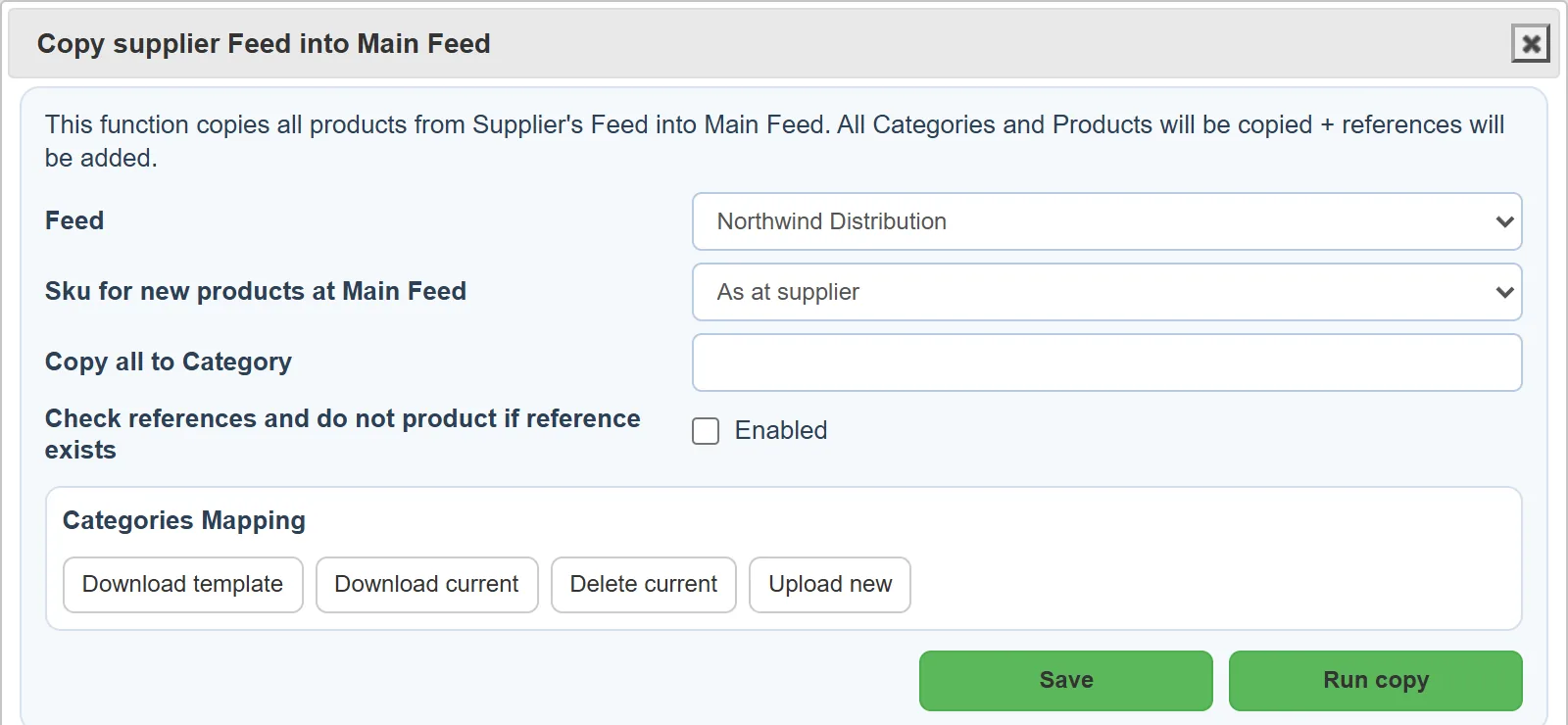
From then on, each new file only updates prices and stock of products that are already linked. Up to 30 suppliers fit into the Business plan; larger setups go on a custom plan.
Related Articles
Set it up once. YfiFX does the rest
14 Days Free Trial. Sign up and import your first price list today.