Pricing rules for online stores: from spreadsheet formulas to automatic prices
A price list with ten thousand items cannot be priced by hand, and it should not be. What you really manage is a short list of rules: what to add on top of the supplier's cost, where the exceptions are, and which limits are never crossed. Good rules give correct prices every time costs change. Bad rules lose money quietly across the whole catalog.
The approach below does not depend on the platform: it works the same for Shopify, WooCommerce, OpenCart, PrestaShop, Prom.ua or Horoshop.
One product, five rules
Take a pair of headphones bought for 48 USD and sold in a store that prices in euros:
- Currency: 48 USD × 0.92 = 44.16 €.
- Category markup for headphones between 20 and 100 €: 30%, so 44.16 × 1.30 = 57.41 €.
- Brand rule: the brand has a recommended retail price of 59.90 €, so the price goes up to match it.
- Minimum margin: 59.90 € is well above cost plus the minimum margin. Passed.
- Rounding: 59.90 € already has the right ending.
In a spreadsheet each of these steps is a formula someone has to keep correct. As rules, they apply to every product automatically, including the ten thousand you never look at.
The six layers of a pricing setup
1. Base markup by category
Each category gets its own markup, reflecting competition and the real cost of selling: returns, support, delivery. A single markup for the whole catalog is almost always too high somewhere and too low elsewhere. Televisions are compared to the cent; cables and cases rarely are.
2. Price ranges inside a category
Cheap items usually need a higher percentage than expensive ones. A 10% markup on a 5 € item does not even cover handling the order; on a 1,000 € item it may be more than the market allows. Three or four ranges per category are usually enough, for example 40% under 20 €, 25% from 20 to 200 €, 12% above.
3. Brand exceptions
Some brands enforce recommended or minimum advertised prices. Others are sold so widely that only a thin margin is realistic. Brand rules override the category markup where needed.
4. Supplier logic
When several suppliers carry the same product, decide which cost to use: the cheapest supplier with stock, a preferred supplier, or the cheapest among reliable ones. Without a clear rule, the price jumps every time the active supplier changes.
5. Limits
- Minimum margin: the final price never drops below cost plus this margin.
- Recommended retail price: used as a floor, a ceiling or a target, depending on the brand.
- Rounding: one consistent price ending across the catalog.
6. Prices per channel
Your website, a marketplace that takes a commission and your wholesale clients need different prices. Keep one set of purchase prices and calculate a price type for each channel instead of maintaining separate spreadsheets.
Moving rules out of the spreadsheet
- Write down what the spreadsheet actually does, including the exceptions people handle "by hand".
- Recreate those rules in the pricing tool.
- Calculate the whole catalog without publishing and compare it with the spreadsheet.
- Look at the largest differences first. Surprisingly often they reveal mistakes in the spreadsheet, not in the new rules.
- Publish, then compare sales and margin by category after a few weeks.
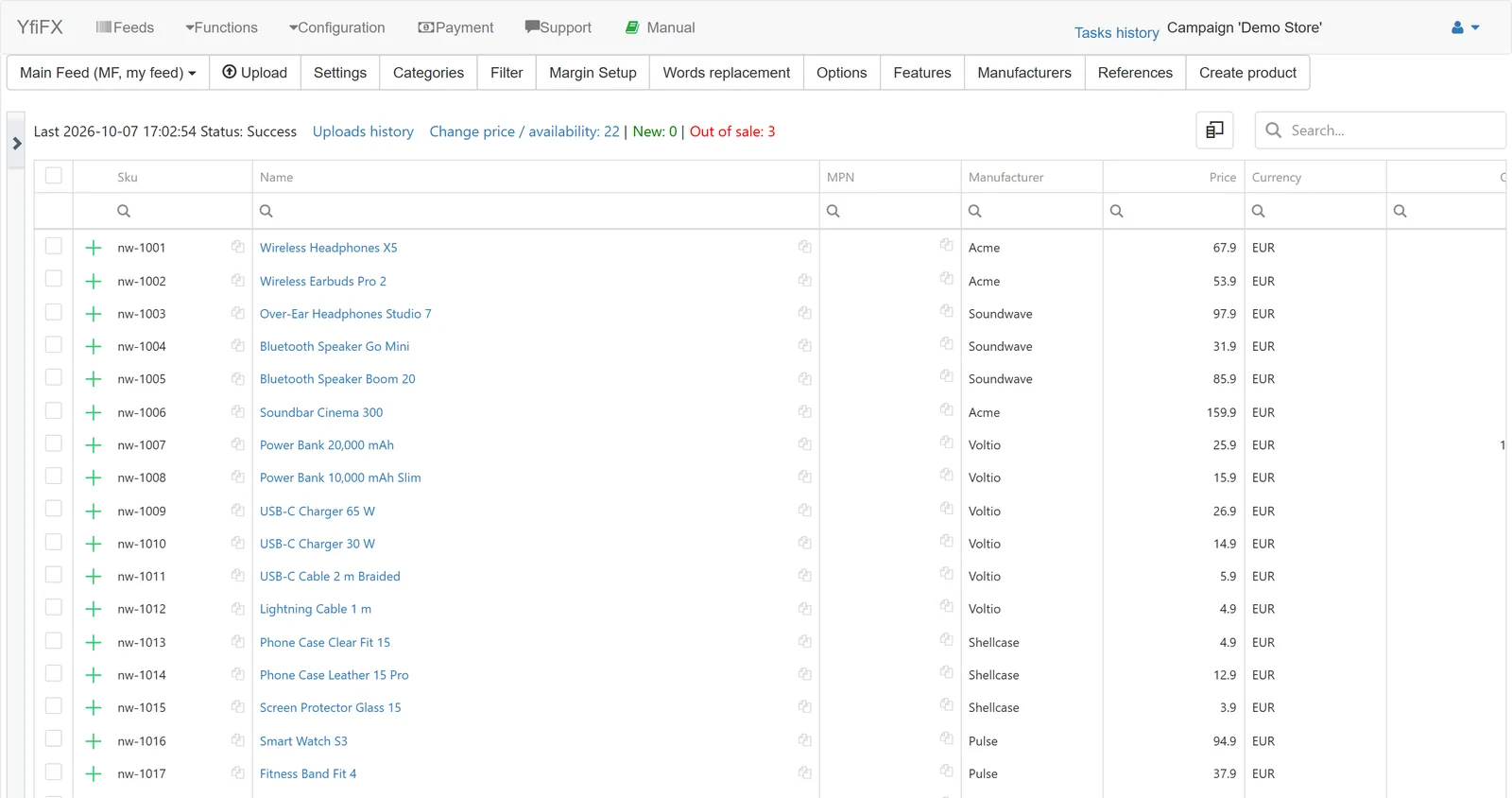
In YfiFX
A rule is a price range and a coefficient. In the demo store we used three: +40% for items that cost the store under 20 EUR, +28% from 20 to 100 EUR, and +15% above 100 EUR. Small items need a bigger percentage just to cover handling, while expensive ones would look overpriced with the same markup.
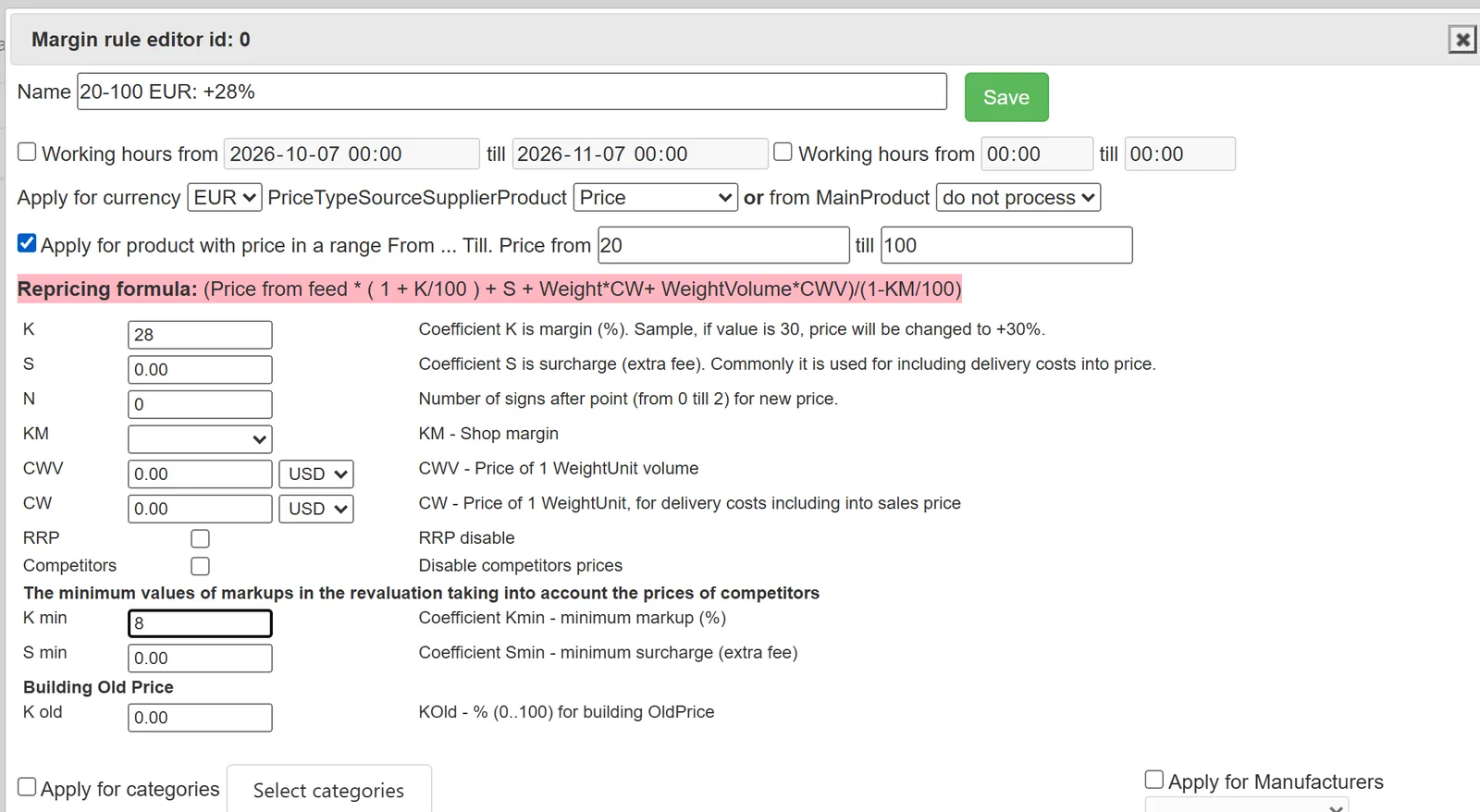
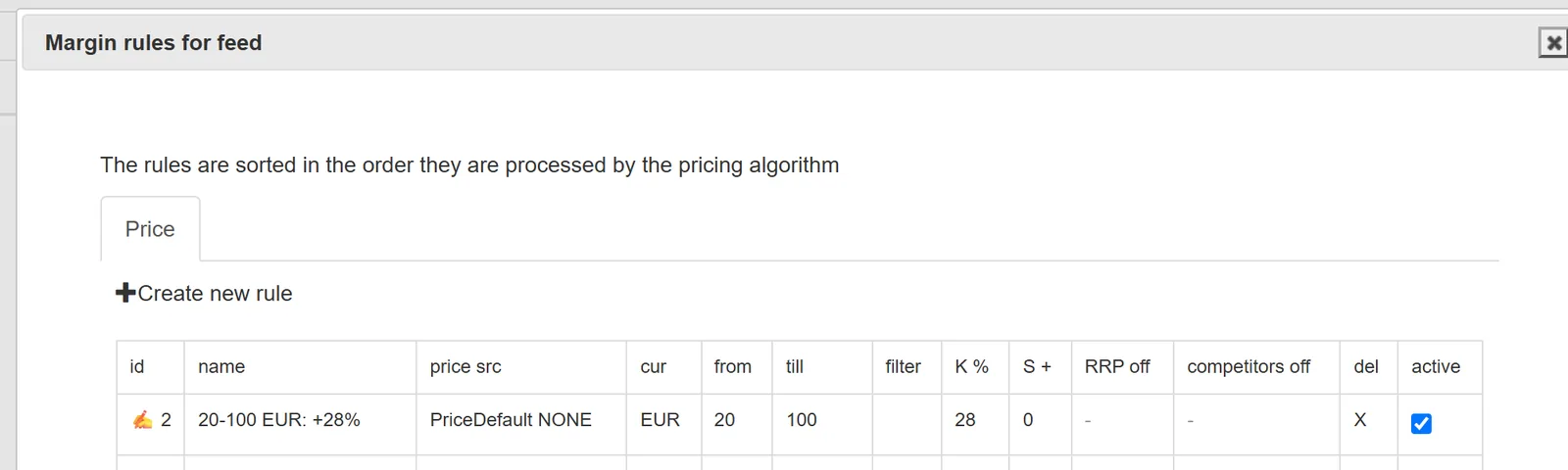
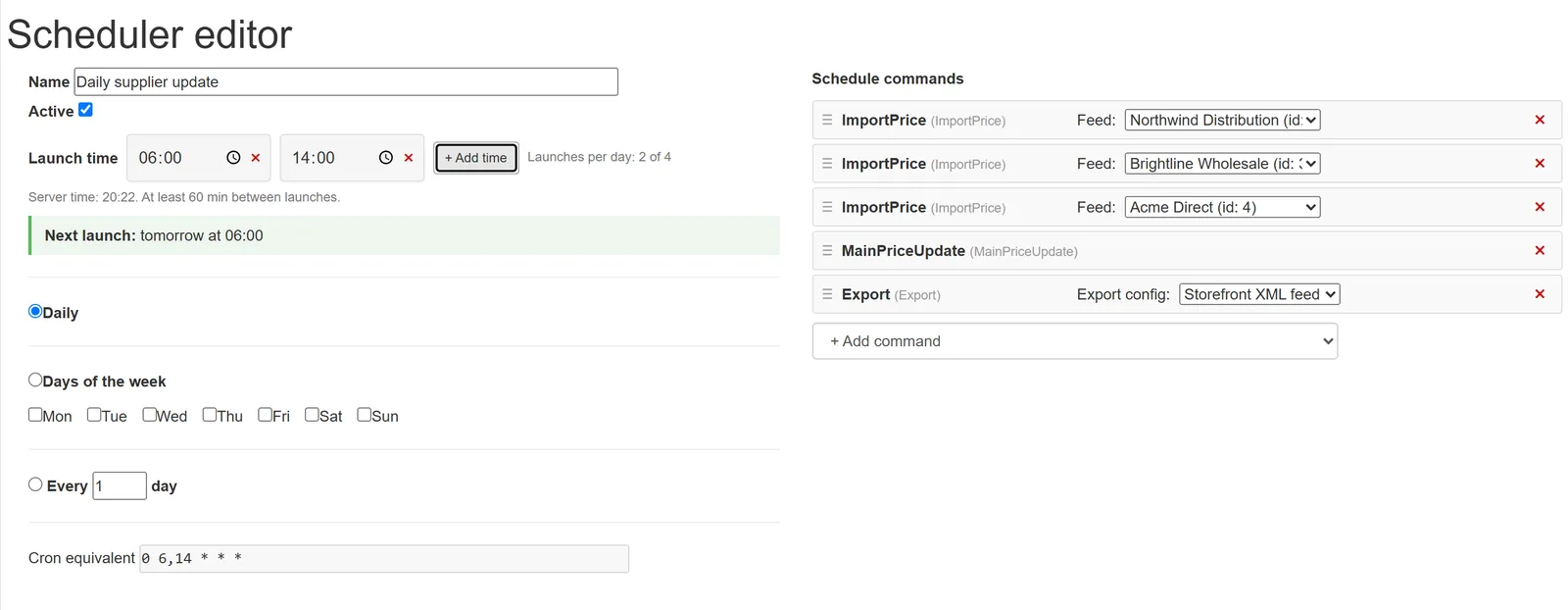
Rules can also be tied to categories, brands, the day of the week and time of day. Exchange rates, recommended retail prices and supplier priority are taken into account, a floor keeps prices from dropping below your limit, and price types give each channel its own prices. Everything is recalculated on each scheduled run.
Related Articles
Set it up once. YfiFX does the rest
14 Days Free Trial. Sign up and import your first price list today.