Data mapping for supplier price lists

Every supplier has its own idea of what a price list should look like. One puts the SKU in the first column and the price in the fifth. Another sends XML with categories nested three levels deep. A third uses its own product codes and names columns in another language. Data mapping is the step that translates all of these into one structure your store understands.
What exactly gets mapped
- Fields: which supplier column or XML element holds the name, SKU, purchase price, recommended price, quantity, brand, category, images and attributes.
- Categories: the supplier's category tree to yours. "Phones > Accessories > Cases" at the supplier may be simply "Phone cases" in your store.
- Values: stock statuses like "in stock", "yes", "+" or ">10" turned into numbers; units and currencies made consistent.
- Products: supplier items linked to products in your catalog, so updates go to the right place.
Why it is worth doing properly
A mistake in mapping repeats itself on every import. A price column mapped one position off sets wrong prices for the whole catalog. A stock status read as zero hides products that are actually available. Good mapping is set up carefully once and then checked against the import results for the first few runs.
Signs your mapping needs attention
- Products with a price of zero or with prices that changed by an unusual amount after an import.
- New duplicates in the catalog after adding a supplier.
- Products in a "Miscellaneous" category because the supplier's category was not mapped.
- Filters showing several spellings of the same value.
What it looks like in practice
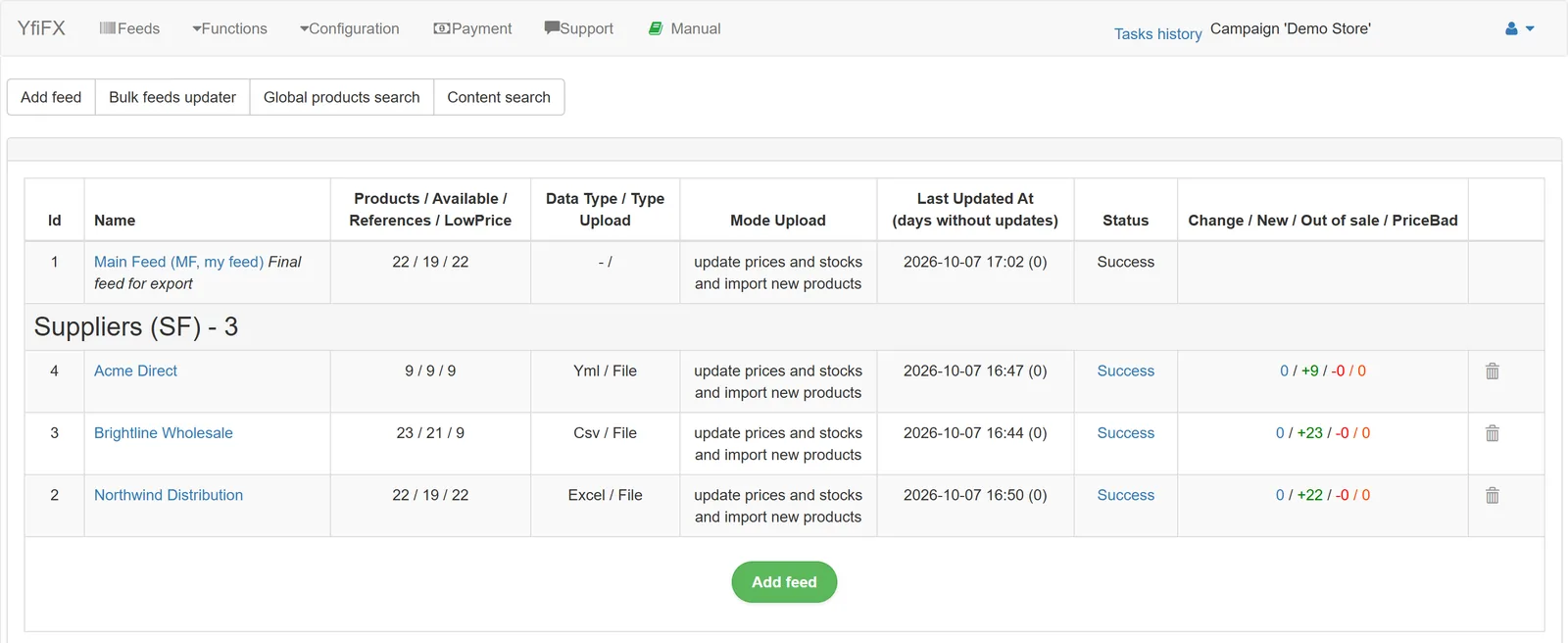
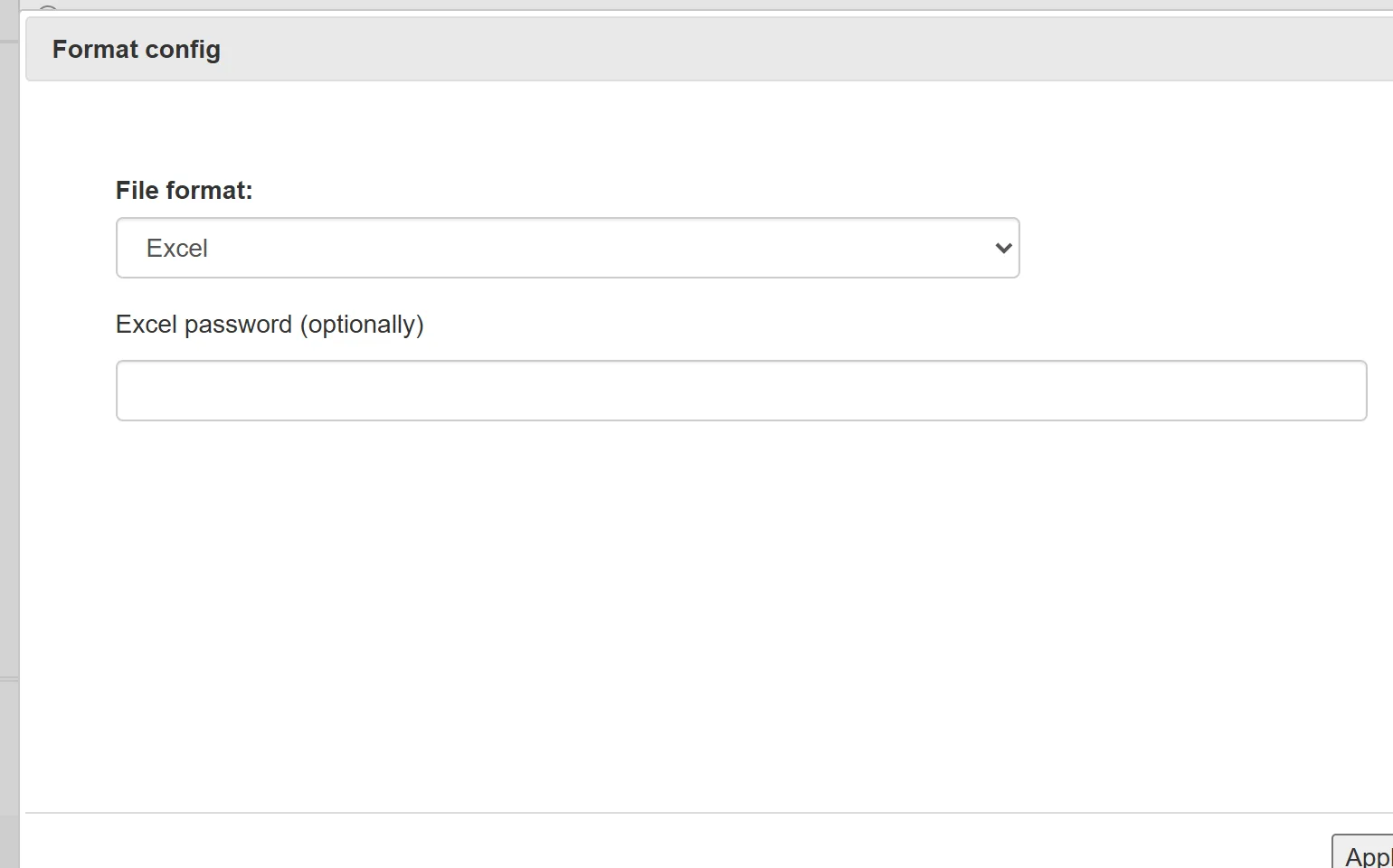
Here is a demo store with three suppliers: Northwind sends an Excel price list, Brightline a semicolon-separated CSV with decimal commas, and Acme a YML feed in US dollars. Each one is added as a separate supplier feed. After the file is uploaded, YfiFX suggests the format, and you confirm or correct it.
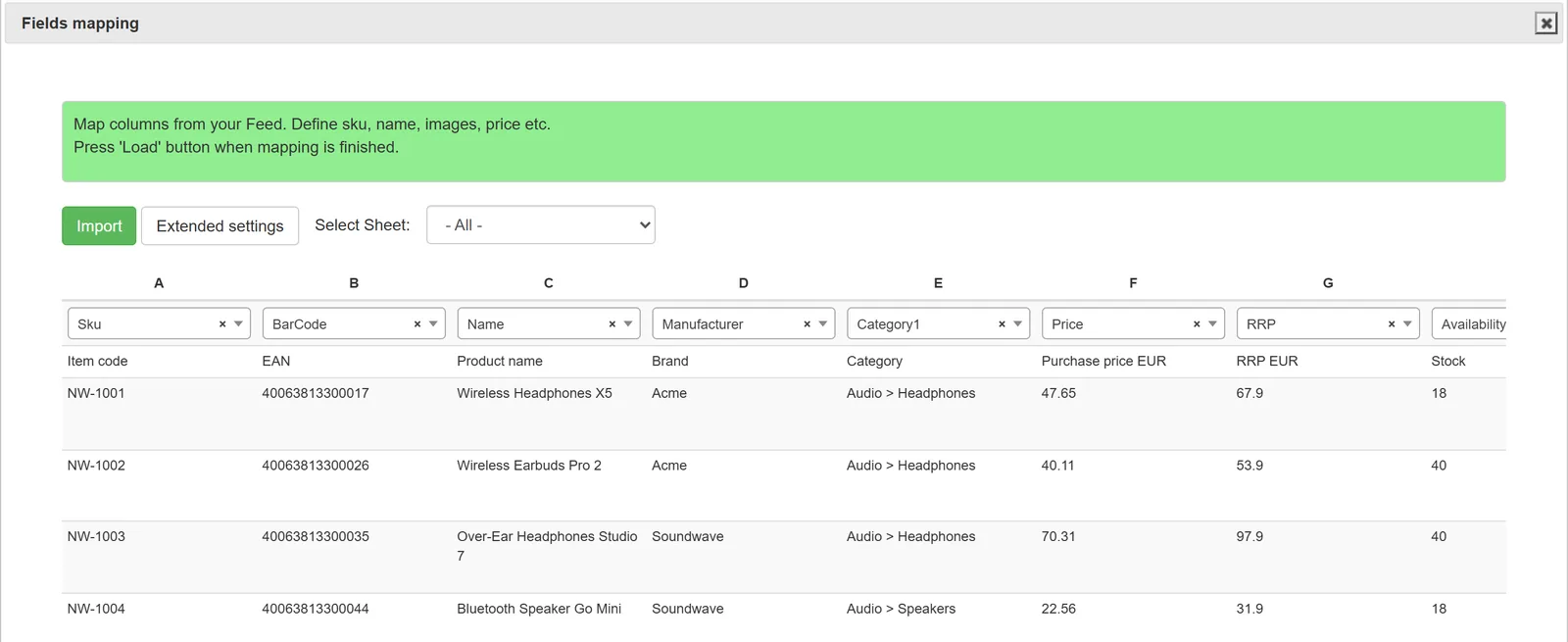
The next screen is the mapping itself. The first rows of the file are shown as a table, and above each column you choose what it means: SKU, name, purchase price, recommended retail price, stock and so on. Columns you do not need are simply left unassigned.
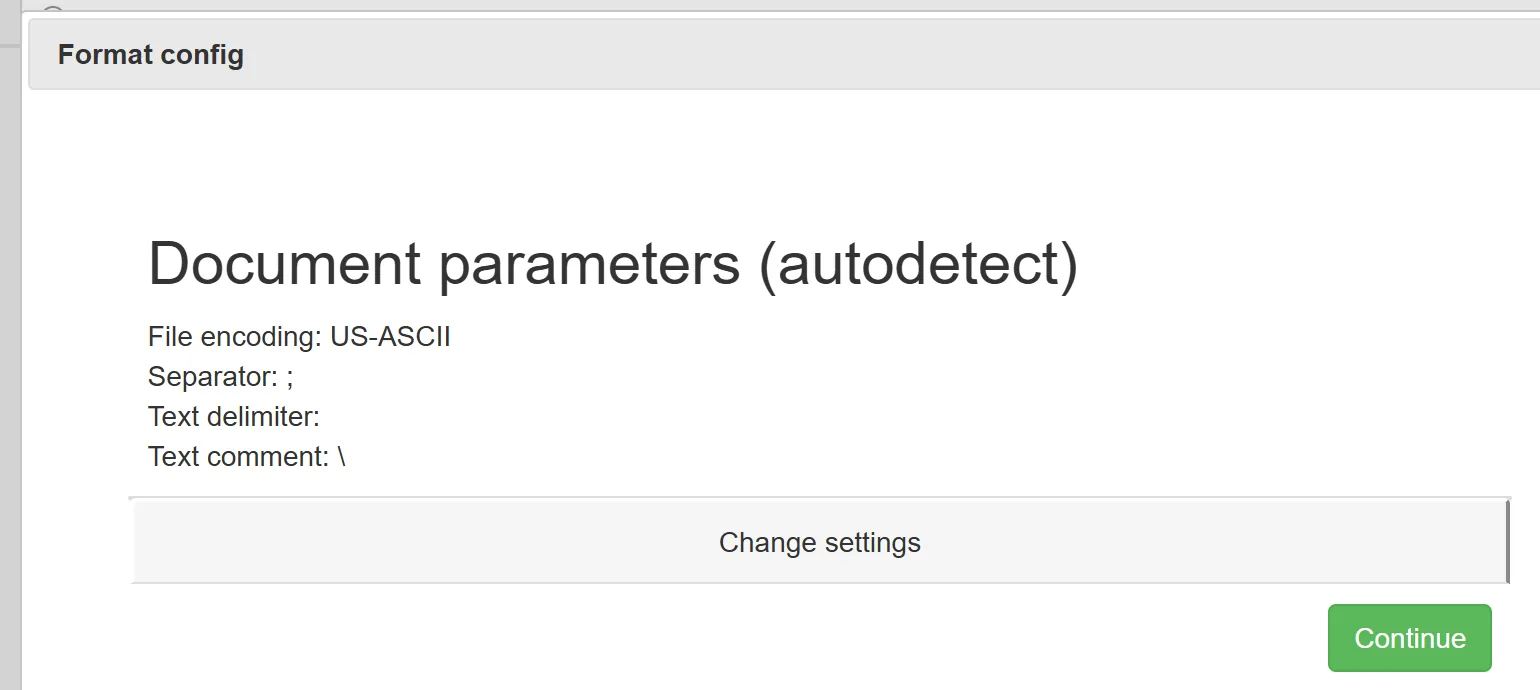
CSV files get one extra step. Delimiter, encoding and the first data row are detected automatically, and you can see straight away whether the columns split correctly. That is where the semicolon-and-decimal-comma files from European suppliers usually go wrong in a spreadsheet, and where it is easiest to catch.
The mapping is saved with the feed. Next week, when Northwind sends a new file with the same layout, nobody opens the mapping screen again.
Tips for a clean setup
- Map required fields first: identifier, price, quantity. Add attributes afterwards.
- Use the most stable identifier the supplier has. Barcodes and manufacturer part numbers change less often than names.
- Run the first import without exporting to the store and check a sample of products.
- Ask suppliers to tell you before they change their file structure.
Related Articles
Set it up once. YfiFX does the rest
14 Days Free Trial. Sign up and import your first price list today.